
Your software stays the system of record
Valet handles the card step without becoming another system your team has to reconcile. Your POS keeps the order, customer and operating history exactly where you built them.

For teams who built their own point of sale
Did you build a point-of-sale system and never got around to a payment method? Valet gives your software a real, working card-payment integration — a hosted widget or a plain API — without your team ever touching a card number, boarding with a processor, or learning the terminal underneath. Storey hands your terminal the keys. You get the receipt. And when a payment never reaches a counter, Valet takes it online too.
Made to fit what you already built
Valet handles the card step without becoming another system your team has to reconcile. Your POS keeps the order, customer and operating history exactly where you built them.
The widget or API sends the payment to a physical card terminal through Storey. Your customer stays with your checkout instead of being sent to another website.
Storey manages the processing relationship. Your software gets a Valet Key and Valet Tag, so your team can start building while we handle activation.
Two ways to take the same payment
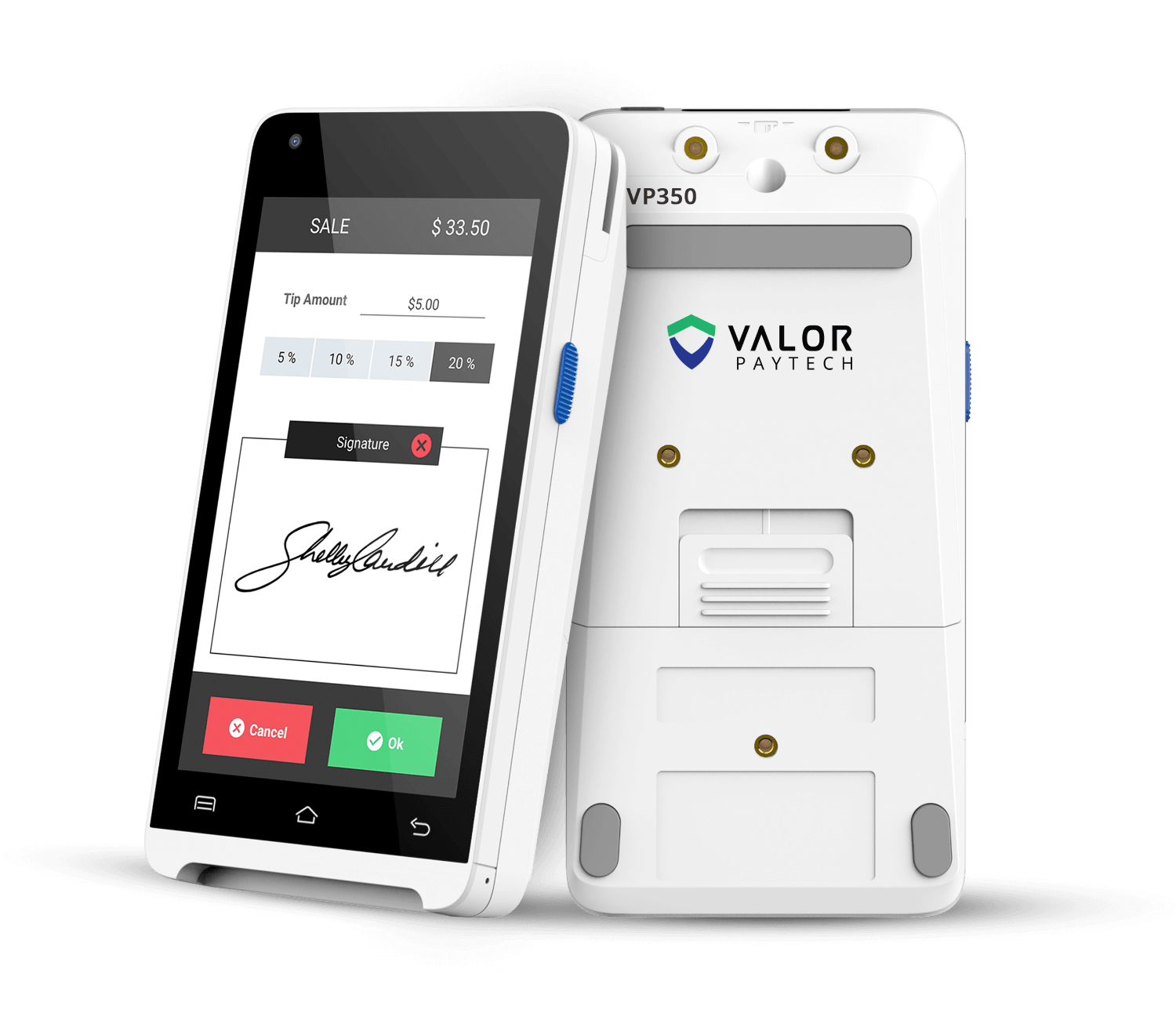
At the counter, Valet sends the payment to a physical card terminal — tap, insert or swipe — while your customer stays with your checkout. That's the way most payments happen, and it's what Valet was built around.
But some payments never touch a counter: a phone order, a mailed invoice, checkout on your own website. For those, a Valet Tag can be a key-entry station instead — the widget shows Storey's secure hosted card field, your customer types their card straight into the payment provider's window, and your servers only ever see a token.
How it works
Start building before processing is activated, then move to real payments when Storey turns on your account.
Create a Valet account with Storey
Get your Valet Key and Valet Tag — the two credentials your software needs
Drop in the widget with one script tag, or call the API directly
Sign up for payment processing — Storey turns it on
Take real payments through your own software
Build with Valet